HVAC local SEO: how to rank in the towns you actually serve
HVAC local SEO, step by step: Google profile categories and services, town pages that aren't doorway pages, seasonal updates, schema and what to track.
16 min readTradeShopKit
- hvac
- local search
- seo
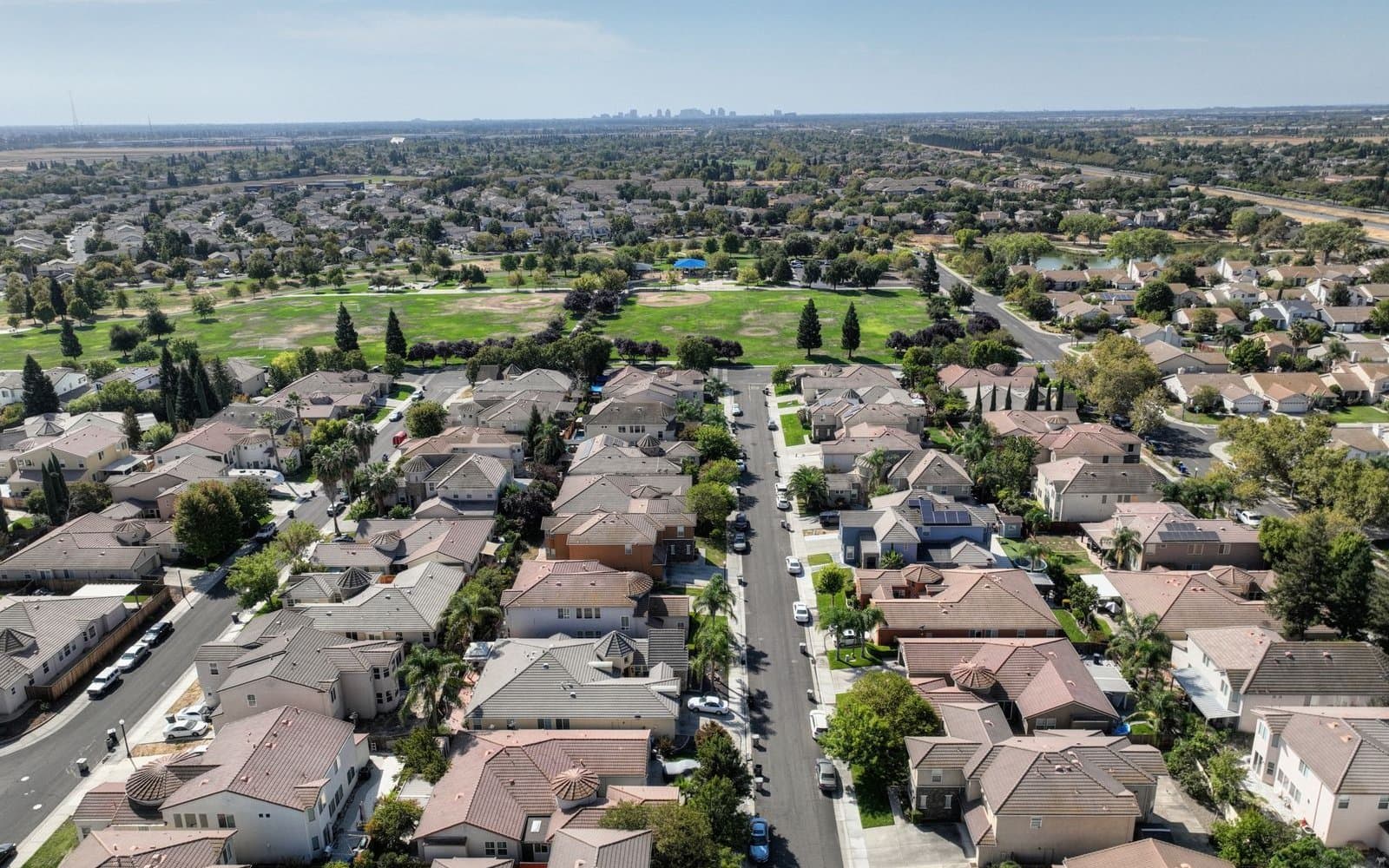
HVAC local SEO is the work of getting your company to show up when someone nearby searches "AC repair" or "furnace not working," both in Google's map results and in the regular results under them. The map results run on three things Google names itself: how well your Business Profile matches the search, how close you are to the person searching, and how well known you are (reviews and links from other sites). Your website handles the rest, with one real page per service and honest pages for the towns where you have real work to show.
Two different results pages, two different jobs
Type "ac repair near me" and Google usually shows map listings first, then the normal list of websites. They're ranked differently, so the fixes are different.
| Where you show up | What mostly decides it | What you control |
|---|---|---|
| Map results (the Business Profile listings) | Relevance, distance, prominence | Categories, services, hours, photos, reviews, replies, the website you link |
| Regular results (websites) | How well a page answers the search, plus links pointing to it | Your service pages, town pages, page titles, speed on a phone |
| Ads at the top | What you pay and your profile quality | Budget, schedule, how fast you answer |
Google's help page on local ranking is blunt about one thing: there is no way to request or pay for a better local ranking. So if someone calls offering to "guarantee the top three map spots," hang up politely.
The distance problem nobody likes to hear about
Most HVAC companies are service-area businesses. You drive to the customer, so there's no showroom for the homeowner to visit. Google's guidelines say a business like that should hide its address and set a service area instead. You can list up to 20 service areas by city or ZIP code, you can't set a radius, and the whole area shouldn't stretch past about two hours of driving from your base.
The catch: Google's help page on service areas says they help people find your profile. It doesn't say they make you rank farther away. Distance is still one of the three ranking factors, and typing in more towns doesn't move where your business is.
So in practice:
- You'll usually do best in the map results for towns close to where your business is actually based.
- For towns 30 or 40 minutes out, the map results are a long shot. Your website is how you get found there, through service pages and real town pages (more on those below).
- Listing 20 towns doesn't hurt, but it won't do what people hope.
Categories and services: think like the person dispatching calls
Google's category help page says the categories you choose affect your local ranking. Pick one primary category that finishes the sentence "This business IS a..." and use as few additional ones as you need. Google also tells you not to add a category for every product or service.
In the category box, type "HVAC," "air conditioning" and "heating," and pick the closest match for what most of your revenue is. A company that's 70% residential AC repair and replacement shouldn't lead with a commercial refrigeration category just because it did two walk-in coolers last year.
Services are where you get specific. Google suggests services based on your category, and you can add custom ones. Custom service names get rejected automatically if they contain prices, phone numbers or personal information. Services can show in Google Maps under a "Services" tab, so write them the way a homeowner would say them out loud:
- AC repair
- Air conditioner installation
- Furnace repair
- Furnace replacement
- Heat pump installation
- Heat pump repair
- Ductless mini-split installation
- Thermostat installation
- HVAC maintenance plan
- Indoor air quality (only if you actually sell filtration or humidity products)
"Comprehensive climate solutions" matches nothing anyone types. Honestly, zero services and forty services are both mistakes.
The Google Business Profile generator writes the description and a services list you can paste in and edit. For the full setup, including verification, see our Google Business Profile guide for contractors.
The three edits that get HVAC profiles suspended
Google's guidelines say your profile name has to match your real-world business name, the one on your trucks, invoices and website. They specifically say not to add service descriptions or location details. "Smith Heating & Air" is fine. "Smith Heating & Air | AC Repair Springfield" breaks the rules, and the guidelines say violations can lead to suspension.
The other two:
- A virtual office or a mailbox as your address. Google says virtual offices aren't eligible and PO boxes and remote mailboxes aren't acceptable.
- A second profile for the same business in a different town. Google allows one service-area profile for a business without a storefront. Separate profiles are only for separate locations with their own staff and service areas.
A suspended profile in July costs more than any ranking boost could ever earn you. Don't touch these.
Build a keyword map before you build pages
Before writing anything, make a sheet with one row per page and the main search it should answer.
For example, a hypothetical four-truck company based in one suburb might map it like this:
| Page | Main search it targets | Also answers |
|---|---|---|
| Home | "[your town] heating and air" | Who you are, where you go, how to call |
| AC repair | "ac repair [your town]" | Same-day service, what a diagnostic costs, common failures |
| AC installation | "ac replacement [your town]" | Sizing, equipment options, financing if you offer it |
| Furnace repair | "furnace repair [your town]" | No-heat calls, what you check first |
| Heat pumps | "heat pump installation [your town]" | Heat pump vs furnace in your climate, utility rebates |
| Maintenance plan | "hvac maintenance plan" | What's included, spring and fall visits |
| Town page: the next town over | "hvac [next town]" | Jobs done there, drive time, that city's permit office |
Where do the searches come from? Not from guessing. Two free reports tell you:
- Your Business Profile's performance section has a "Searches" metric that lists the terms people used to find you. Google says it updates at the start of each month and can take up to five days to appear.
- Google Search Console's Performance report shows the queries that brought your website impressions and clicks, with average position. It defaults to the last three months.
If your site is too new to have data, the keyword ideas generator gives you a starting list to check against what you hear on the phone. The words customers use on calls ("my AC is blowing warm air," "the furnace keeps clicking") are often better page topics than anything a tool spits out.
Town pages that aren't doorway pages
This is where most HVAC sites go wrong: 40 pages called "AC Repair in [Town]," each the same 400 words with the name swapped. Google's spam policies call that doorway abuse.
Google's examples of doorway abuse include pages targeted at specific regions or cities that funnel users to one page, and substantially similar pages that sit closer to search results than a real site structure. A set of swapped-name town pages is close to the textbook case. Google also has a separate policy against scaled content abuse: lots of pages generated mainly to manipulate rankings, however they're produced.
A test you can run on any town page: delete the town name. Is anything left that only applies to that town? If not, the page shouldn't exist yet.
What makes a town page worth having:
- Jobs you've actually done there, with your own photos and a line on what the problem was. ("Replaced a 20-year-old furnace in a split-level off Oak Street. The flue had to be relined.")
- The housing stock and what it means for the work. Older homes with original ductwork, newer subdivisions with heat pumps, slab homes with attic air handlers, whatever is true there.
- Which permit office handles it, if it's different from your home town (a city building department versus the county).
- Honest drive time and how fast you can usually get there.
- The local utility's rebate programs, if you do that paperwork, linked to the utility's own page.
Start with the three to five towns where you've done the most jobs, and add more as the photos pile up. These are the pages that win work in towns too far out for the map results.
The service page copy generator drafts the bones of a service or town page. Then go back in and add the job details only you know.
Titles and the first screen on a phone
Each page needs a title that says the service and the place in plain words. A formula that works:
[Service] in [Town] | [Business Name]
- "AC Repair in Maple Grove | Smith Heating & Air"
Keep them short enough that Google doesn't chop them off, and write each one by hand. "Best HVAC AC Heating Cooling Repair Install Near Me" reads like spam.
On the first screen of each page, someone in a 90-degree living room should see a tap-to-call number, the towns you cover, whether you can come today, and your license or certification details where they apply. EPA rules require technicians who service equipment that could release refrigerant to hold Section 608 certification, and the EPA says those credentials don't expire. If your techs hold Universal certification, say so. It's a small detail that tells a careful homeowner you're legitimate.
Every service page should finish with a few real questions and short answers. Write them from the questions you actually get on calls. Short, direct answers are also what Google and AI search tools tend to quote.
Not legal advice. Rules change, check with your licensing board.
Reviews that name the job (and often the town)
Google lists review count and rating as part of prominence, and it tells businesses to respond to reviews. For HVAC the content of a review helps too, because the next person searching for a heat pump install reads it.
Ask the same day and name the job: "Thanks for having us out to get the AC going again. If you've got a minute, a Google review helps other folks around here find us." When you name the job, customers tend to mention it back. Some will mention their neighborhood or town on their own. Don't script what they say, and don't offer anything in exchange. Google's review policy bars incentives for reviews, and the FTC's rule on consumer reviews bans incentives tied to a positive review.
The review request generator writes the text and email versions. Our post on how to get more Google reviews covers replies and the FTC rule in detail.
Reply to every review, briefly, and don't stuff town names into the replies. "Glad the new heat pump is keeping the upstairs comfortable, thanks Dana" reads like a person.
Local SEO runs on the seasons in HVAC
ENERGY STAR tells homeowners to have the cooling system checked in spring and the heating system in fall, and to get an annual pre-season check-up from a contractor. That's your local SEO calendar. Search interest follows the weather, and your pages and profile should be ready a few weeks before the rush, not in the middle of it.
| When | Profile | Website |
|---|---|---|
| Late winter | Swap in photos of AC tune-ups and condenser work, check your hours | Update the AC repair and maintenance plan pages, add any new utility rebates |
| Spring | Post a tune-up offer, ask every maintenance customer for a review | Publish a short page or post on a cooling problem you see a lot locally |
| Summer | Set special hours if you run extended days, reply to reviews within a day | Make sure "can you come today?" is answered on the first screen |
| Late summer | Swap in furnace and heat pump photos | Update furnace repair and heat pump pages before the first cold snap |
| Fall | Post a heating tune-up offer, ask for reviews again | Add a page for a heating question customers keep asking |
| Winter | Holiday hours as special hours | Review Search Console: which pages got impressions but few clicks? Rewrite their titles |
The seasonal tune-up campaign generator writes the spring and fall offers. If you're building a membership base, the maintenance plan generator writes up the plan terms, and the plan page itself tends to pull steady search traffic all year. More on seasonal marketing in how to market an HVAC business.
Other listings and local links
Two free listings outside Google are worth an hour:
- Bing Places for Business: Microsoft calls it free, and its newer version has an import flow that brings your details over from Google. That covers Bing search and Bing Maps.
- Apple Business Connect: Apple's free tool for your place card in Apple Maps, which also feeds Siri, Messages and Wallet. A lot of iPhone owners search Maps directly.
Keep your name, phone and website identical everywhere, including that old directory listing with the cell number you dropped years ago.
For links, think about where your company is already known in real life:
- The local chamber of commerce or business association, if you're a member and they list members.
- A youth sports team or school event you sponsor, if they post sponsors with links.
- Supply houses or equipment brands that run "find a dealer" pages, if you're listed with them. Check your details there are current.
You don't need hundreds. A handful of real local ones will do.
Schema markup, briefly
Structured data is code that states your business facts in a standard format. Google's LocalBusiness documentation lists name and address as required, and recommends telephone, URL, opening hours, map coordinates and a price range. It also says to use the most specific business type available. For HVAC there's a type called HVACBusiness, which sits under the home and construction business type in the schema.org vocabulary.
Google says it doesn't guarantee markup will change how you appear. And because address is required, a service-area company that hides its home address on Google should think twice before publishing it in code on the website. Only mark up an address you're comfortable showing in public. Markup helps a clean site a little. It won't save a weak one.
Track three numbers, monthly
Check monthly, not daily:
- Profile calls and website clicks, from your Business Profile performance report.
- Search Console queries and pages: which searches are growing, and which pages get seen but not clicked.
- "How did you find us?" asked on every call and logged with the job type. This one catches what the reports miss.
For example (made-up numbers): if your heat pump page shows 600 impressions a month but only 6 clicks, the page probably ranks fine and the title is the problem. Rewrite the title and the meta description before you write anything new.
A 90-day plan you can actually do
- Week 1: Fix your profile name, categories and services. Hide your address if you're service-area only, and set your service areas.
- Week 1: Claim Bing Places and Apple Business Connect, and make the name, phone and website match Google exactly.
- Week 2: Make the keyword map sheet. One row per page.
- Weeks 2 to 4: Write or rewrite your core service pages: AC repair, AC installation, furnace repair, heat pumps, maintenance plan.
- Weeks 3 to 6: Start asking every customer for a review the same day, naming the job.
- Weeks 5 to 8: Write three town pages for the towns where you have the most finished jobs, using your own photos and details.
- Weeks 9 to 12: Get the seasonal updates ready for whichever season is next, and log where every call came from.
- Day 90: Open Search Console and your profile's performance report. Fix titles on pages that get seen but not clicked, and delete or merge town pages that still have nothing local on them.
If the website is the weak link
All of this points back to a website. If you don't have one, or yours is a single page with a stock photo of a thermostat, start there. The Trade Website Bundle is a five-page site written for you, with click-to-call on every page, a quote request form, Google Business Profile setup, and Google Analytics and Search Console connected. It includes domain and hosting for one year, goes live within 10 days or your money back, and costs $399 one-time (was $500), with nothing monthly required. After year one, domain and hosting renew at the provider's price.
What the pages themselves should say is covered in HVAC website design. For city examples, see our HVAC guides for Phoenix and Atlanta.
Quick answers
What is HVAC local SEO?
It's getting your heating and cooling company found in Google's map results and regular results for searches in the area you serve. It covers your Google Business Profile, reviews, your service and town pages, and listings on other sites like Bing and Apple Maps.
How long does local SEO take for an HVAC company?
Profile fixes take an afternoon to make, but in our experience website pages take months to settle in. Judge it over a full season, and check Search Console and your profile performance monthly.
Should I make a page for every town I serve?
Only for towns where you have real local detail to show, like completed jobs, photos and permit or utility specifics. Pages that just swap the town name are what Google's spam policies call doorway abuse.
Can I add my city to my Google Business Profile name?
No, unless it's part of your real business name. Google's guidelines say the profile name has to match your real-world name and can't include service or location details, and breaking that can get the profile suspended.
Does adding more service areas help me rank in more towns?
Not much. Google says service areas help people find your profile, but distance from the searcher is still a ranking factor, so towns far from your base are better reached through your website.
Start with the profile, this week
Open your Business Profile tonight and look at three things: the name, the primary category and the services list. Fixing those takes half an hour, and nothing else on this list works until they're right. More tools for heating and cooling companies are on the HVAC hub.